Choosing a game engine can feel like choosing a career path, especially for a beginner. The internet is full of confident opinions, most of them about which engine is “better.” That is the wrong question. A more useful one is: what are you trying to build, and how do you like to work?
The short version
| Compare | Unity | Unreal Engine |
|---|---|---|
| Main language | C# | C++ and Blueprints (visual scripting) |
| Often chosen for | 2D games, mobile titles, smaller teams, rapid prototyping | High-fidelity 3D, cinematic scenes, large-scale environments |
| Getting started | A gentler route into programming for many beginners | Blueprints let you build logic before writing code |
| Editor feel | Lightweight and flexible; a large ecosystem of assets and tutorials | Feature-rich and visually striking out of the box |
Programming: C# versus C++ and Blueprints
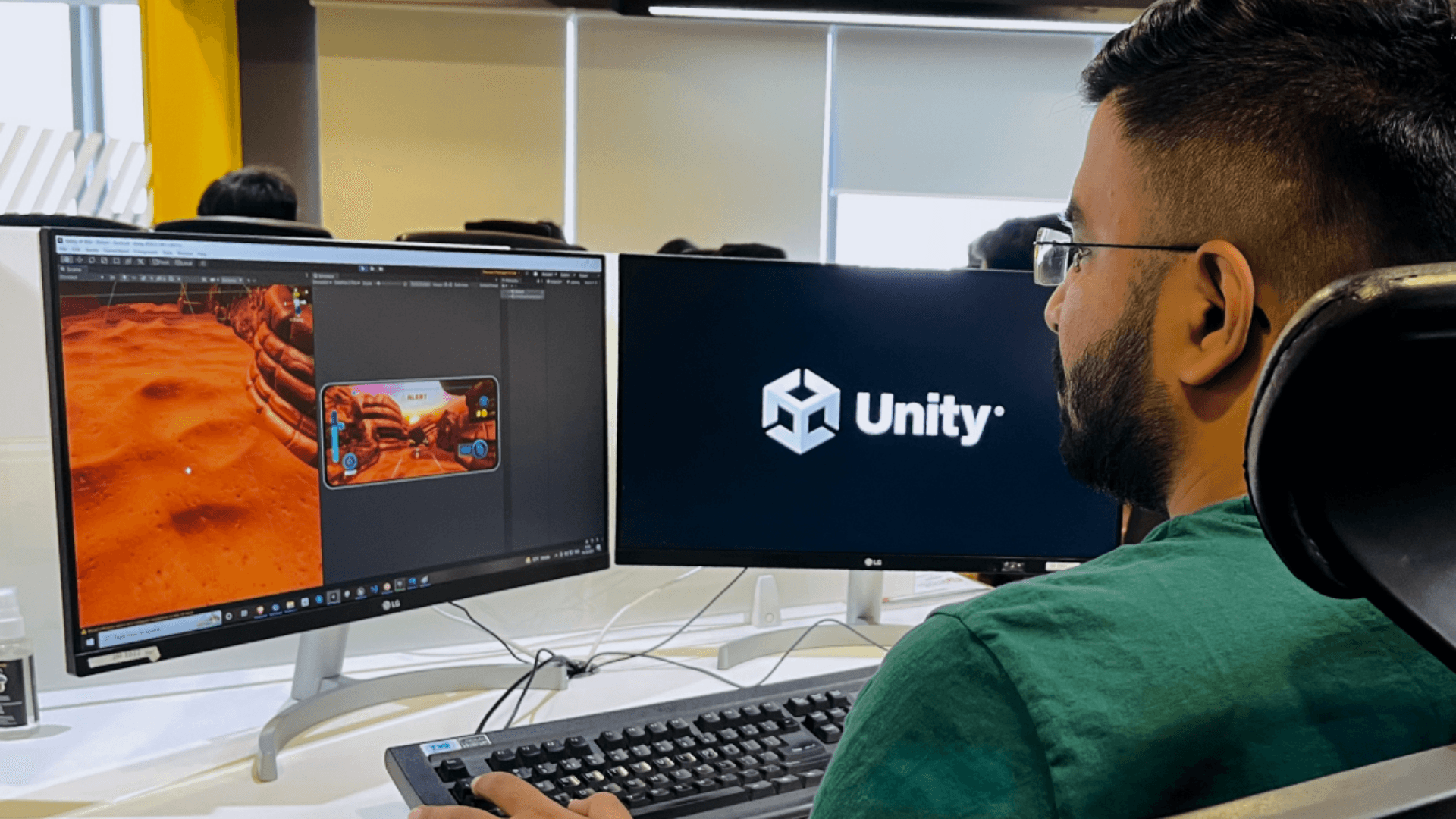
Unity scripts are written in C#, a readable, widely used language. For many learners it is a comfortable way to pick up programming concepts such as variables, functions and objects while immediately seeing the result in a game.
Unreal offers two routes. Blueprints is a node-based visual scripting system where you connect boxes to build behaviour, which lets designers and artists prototype gameplay without typing code. C++ gives deeper control and performance, and is what programmers use for core systems. Most real Unreal projects use both.
Graphics and scope
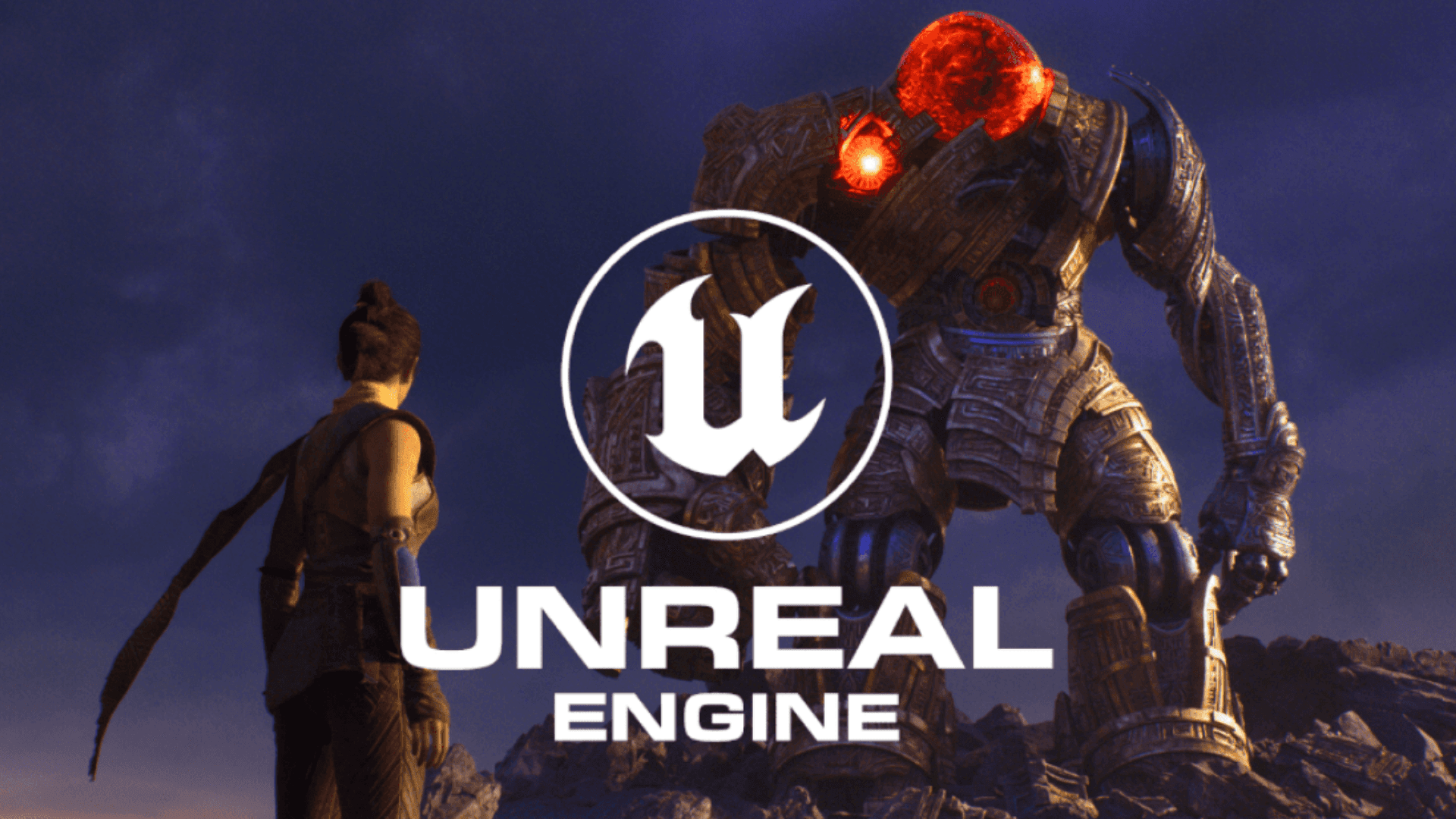
Unreal is well known for strong 3D visuals with relatively little setup, which is why it is associated with realistic environments and cinematic work. Unity is flexible across many platforms and is a frequent choice for mobile, 2D and stylised games, and for smaller teams who need to move quickly.
That said, plenty of beautiful games are made in Unity, and plenty of small, stylised games in Unreal. The engine limits you far less than your time, skills and scope do.
Learning curve
Both engines have a lot of surface area. Beginners commonly feel lost in either one because of the number of panels, settings and systems. The way through is the same: pick a very small project and learn only what it needs.
- Follow a short tutorial to get a character moving.
- Change something on your own: speed, jump height, camera angle.
- Add one new mechanic without instructions.
- Finish and share it, however small.
How to choose
- Interested in mobile or 2D games, or want to learn programming alongside game development? Unity is a natural place to start.
- Drawn to realistic 3D worlds, cinematic scenes or visual scripting? Unreal Engine may suit you.
- Not sure? Try a small project in each. A weekend is enough to find out which one you enjoy working in.
What transfers between engines
The engine is a tool. The skills that make you employable and effective sit underneath it: game mechanics, level design, player experience, programming logic, testing and iteration. Someone who understands those can move from one engine to another far faster than someone who only memorised menus.
The engine is the tool. The ability to design and build experiences is the skill.
Choose one, commit for a few months, and build things. You can always learn the other later, and the second one is much easier than the first.
Our Game Development course in Nashik covers both Unity and Unreal Engine, so you build the underlying skills rather than betting everything on one tool.